Apps / PDF editorBeta
Edit a PDF without uploading it.
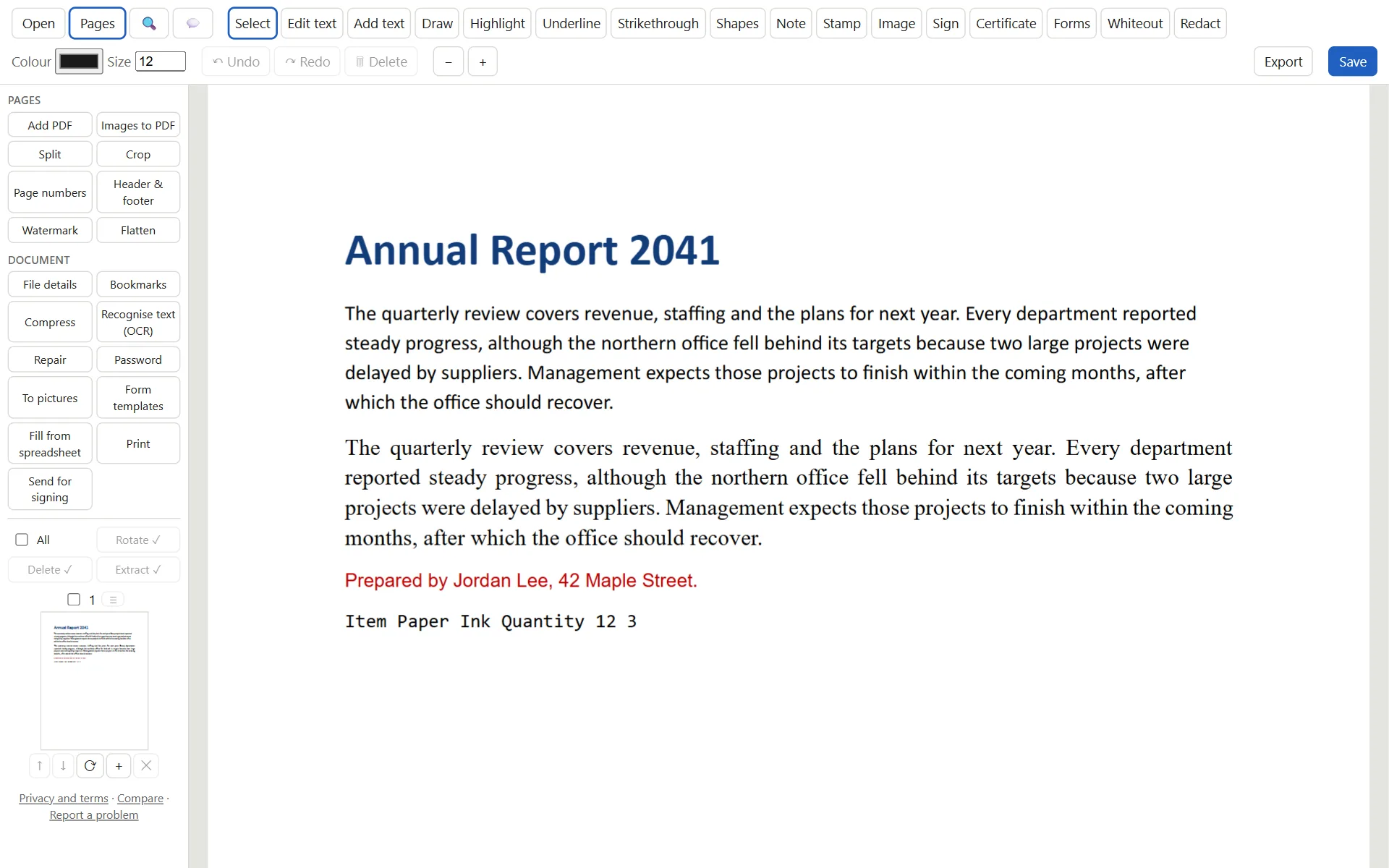
A free PDF editor that runs entirely in your browser. Change the words already on the page, mark up, make and fill forms, read scans, sign, redact, merge and convert, or just read in full screen or have it read aloud. Your file stays on your device.
What it does
BrokePDF
- 01
Click the text and change it
Click a line and its whole paragraph opens for editing. It re-wraps as you type and keeps the document’s font when that font has the letters. Lines you don’t change stay exactly as they were.
- 02
Your file stays with you
There’s no upload, no account and no daily limit. The editor is static files with no server behind them, and its security policy stops the page sending data to any other site.
- 03
Mark up, comment and read
Select text and a small menu offers highlight in five colours, underline, strike through, comment, read aloud and look it up. Draw shapes, add sticky notes with replies and stamps. Read in full screen, in dark mode or with dark pages. Annotations are standard PDF, so Adobe, Chrome and Preview can read them.
- 04
Make forms, then fill them
Add text, checkbox, radio, dropdown, date, signature and initials fields. Save a form as a template, or fill it from a CSV or Excel file and get one PDF per row in a zip.
- 05
Read scans on your device
Recognise text (OCR) makes scanned pages searchable, so you can find, copy, export and redact the words. English, Spanish, French, German and Portuguese, each downloaded from the site the first time it’s used.
- 06
Redact, sign, merge, convert
Redaction takes the text and image pixels out of the file, not just covers them. Sign with a drawn signature or a certificate file. Merge PDFs, make one from pictures, split, compress, and export to Word, text, a web page or pictures. One Undo button covers it all.
Under the hood
- App
- Vite and TypeScript, a static site on Cloudflare with no back end. Installable, and works offline once each tool has been used
- PDF engines
- pdf.js for viewing and annotations, PDFium in WebAssembly for changing page text, LibPDF for writing PDFs. PDFium (4.6 MB) and the OCR engine (about 4.5 MB with English) are fetched the first time they’re used
- Privacy
- No analytics, accounts or upload. Unsaved work, form templates and the Recent list (copies of your last 10 files, after you agree, with no passwords) are kept in your browser and never leave the device
- Reading
- Read aloud at 0.5× to 2× with the voices on your device; online voices only if you turn them on. Look up a word opens it on Wiktionary, so only that word leaves the device, and only when you tap it
- Saving
- Chrome and Edge on a computer can keep saving to the file you choose. Other browsers download a copy, and phones offer the share sheet too. Changing a digitally signed PDF asks first, because it breaks the signature
- Signing
- PAdES signatures made in the browser and appended to the file, so earlier signatures stay valid. Your certificate and password aren’t uploaded or kept. The app doesn’t check signatures, so use Adobe or similar for that
- Limits
- Word, Excel and PowerPoint files can’t be turned into PDFs in the browser. Text below a paragraph doesn’t move down when the paragraph grows, and OCR can make mistakes
- Status
- Beta. Tested in phone emulation and Safari’s engine, not yet on a physical iPhone or Android phone, or in Adobe
Shortcuts
- Ctrl+Z
- Undo
- Ctrl+Y
- Redo
- Ctrl+F
- Find text
- Ctrl+Enter
- Save a paragraph edit
- Esc
- Cancel a text edit
More apps
Fast, offline-first to-do list
Shared kanban, two tones
Hi-Lo card counting trainer
CS2-accurate aim practice
Beta · 2026 federal and state tax prototype
Beta · Old phone, always-on security camera
Beta · Pickup games near you
Keeps Windows responsive under load
Pauses background apps while you play CS2
Beta · Budgets, subscriptions and cash-flow forecasts
Beta · Finds bills in your email, sends invoices